Plug it in.
One cable to the wall. That is the only wire on the desk.
One lens behind the band. On-device vision follows a person and keeps you in frame while it records. No face recognition or profiles.
Design
Six parts, each with one job. Scroll and the camera walks down through them.
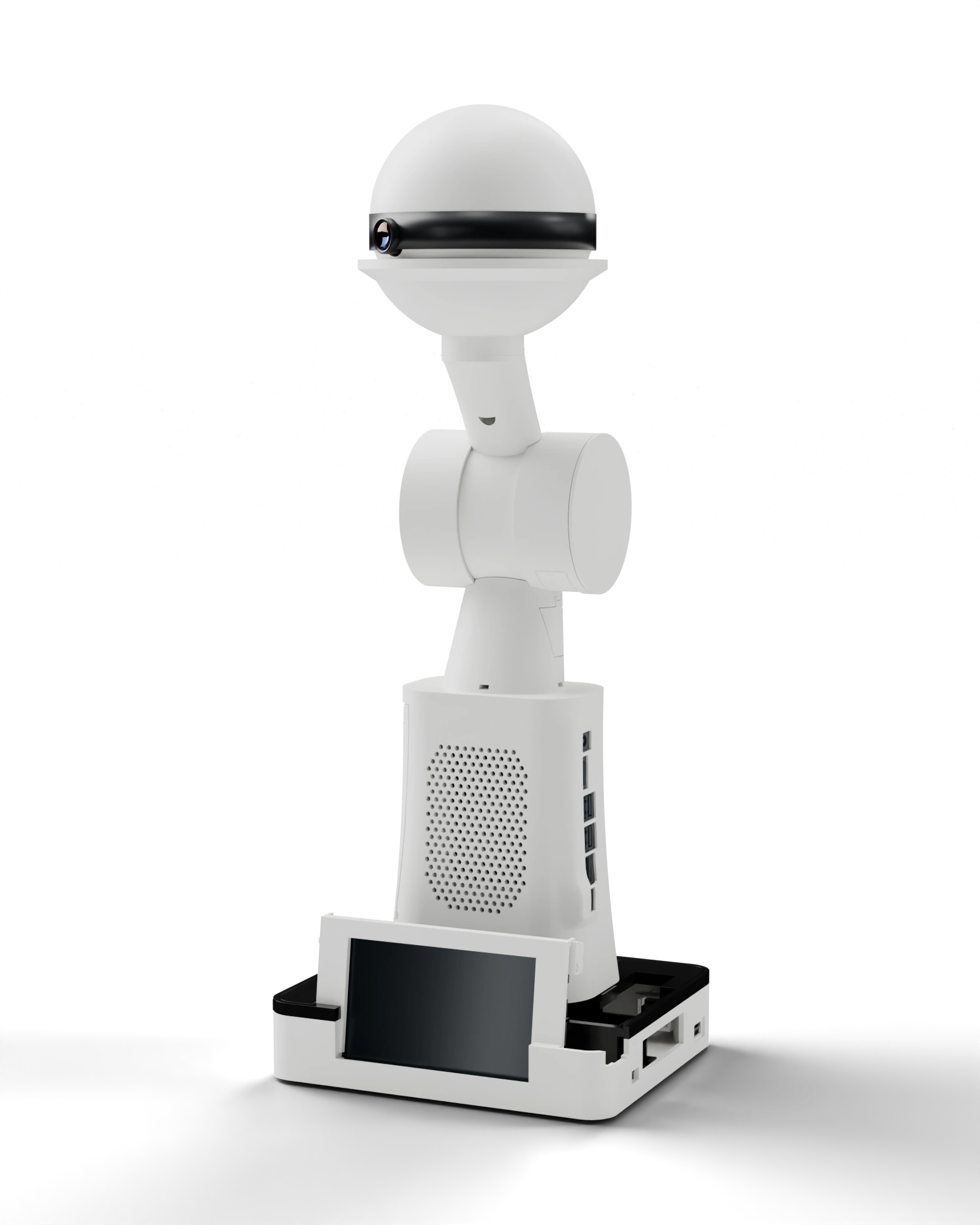
A 1080p sensor sits behind the black band on the equator of a sphere one hundred and twenty millimetres across, in two halves that snap together. The whole sphere turns on its own axis to aim the lens. Wide enough for a room, sharp enough for a face.
A rigid S-shape with a single elbow. It leans back below the joint for balance and forward above it for reach, and every cable runs inside it.
One at the base pans everything above it on a bearing. One at the elbow tilts the head. One in the head turns the sphere. Each is geared to move quietly and still keep up with you.
The module stands upright in a sled inside the tower, heatsink facing the open flank. The sled slides straight out sideways with the board, its heatsink and its fan still on it, so the card and every port stay reachable without taking anything else apart.
Wide and low, like a monitor's foot. It holds the power, the speaker and the screen, and everything above it turns on a bearing as wide as the tower.
A five-inch touchscreen shows what HL-1 sees and what it is doing: resting, listening, tracking, recording. It is also where setup happens.
Tracking and motion
Three axes of motion and on-device vision lock onto a person and keep you framed while you move and record.
Everything above the base rotates on a bearing to follow you across the room, so the base stays put and the head goes where you go.
Select a motion to play it twice. Click again to replay.
Ready to play.Say “camera” to give it a command or ask a question. It follows you, answers out loud and can describe what is in front of it.
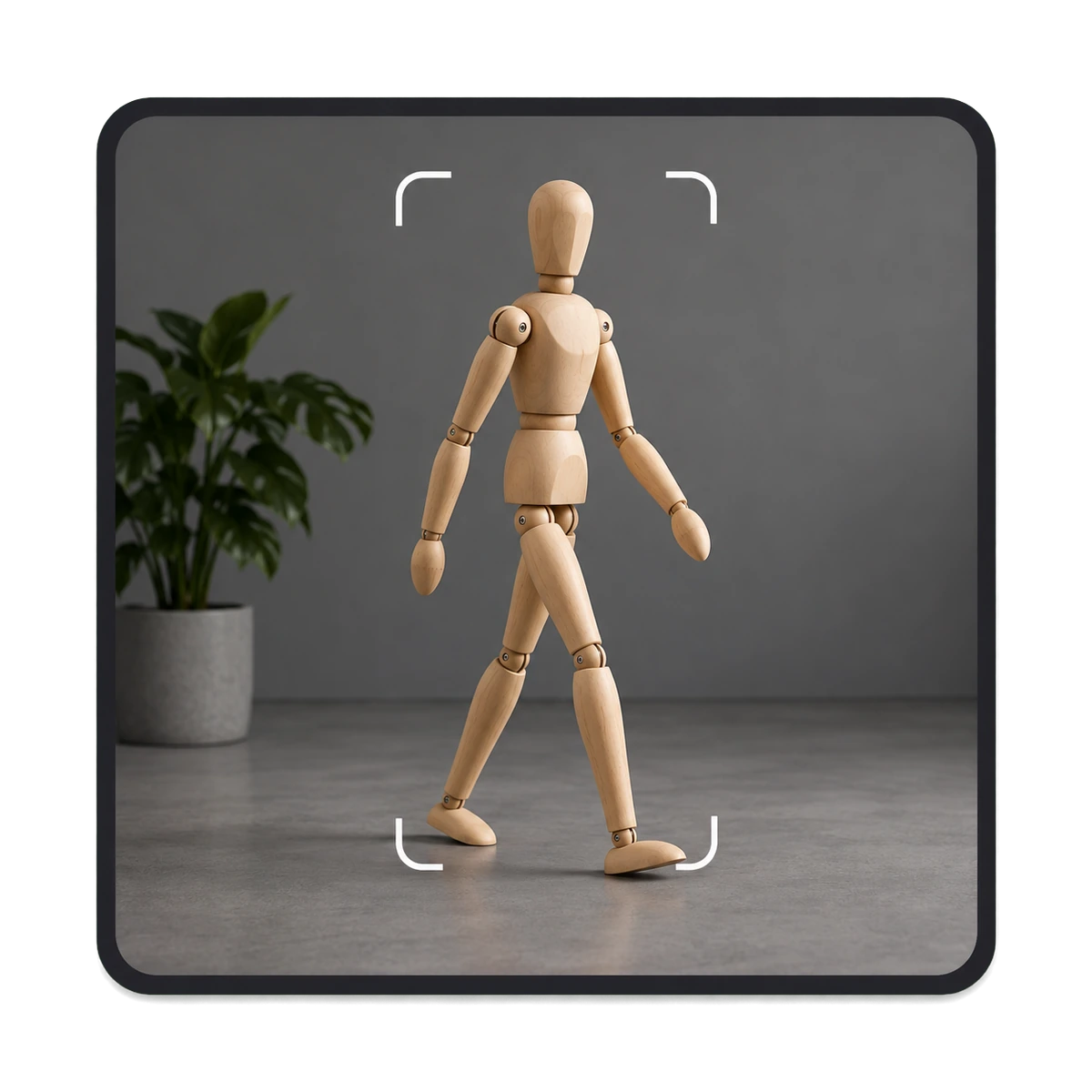
Whole-body tracking that holds on while you move.
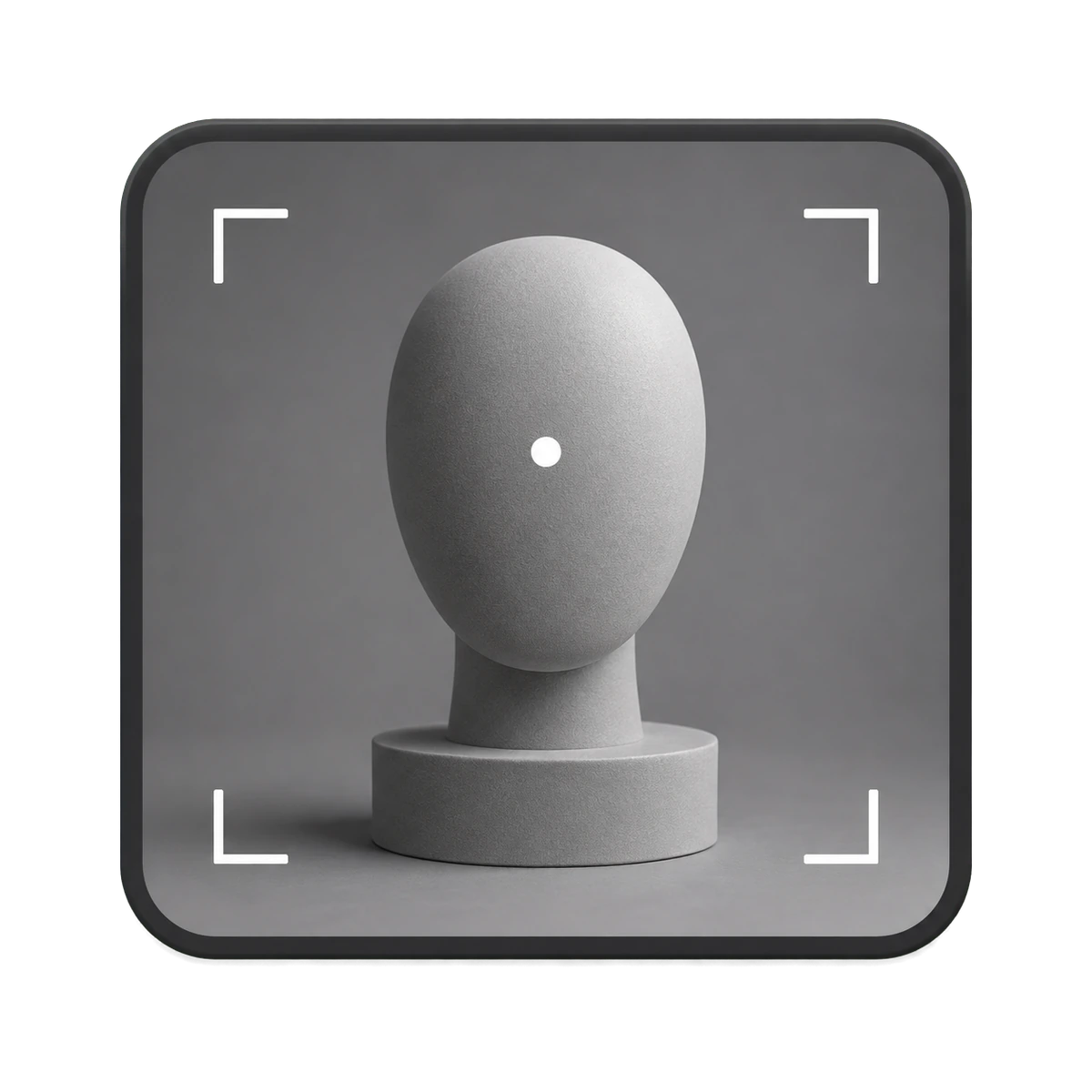
No face recognition, profiles or memory of who it has seen.
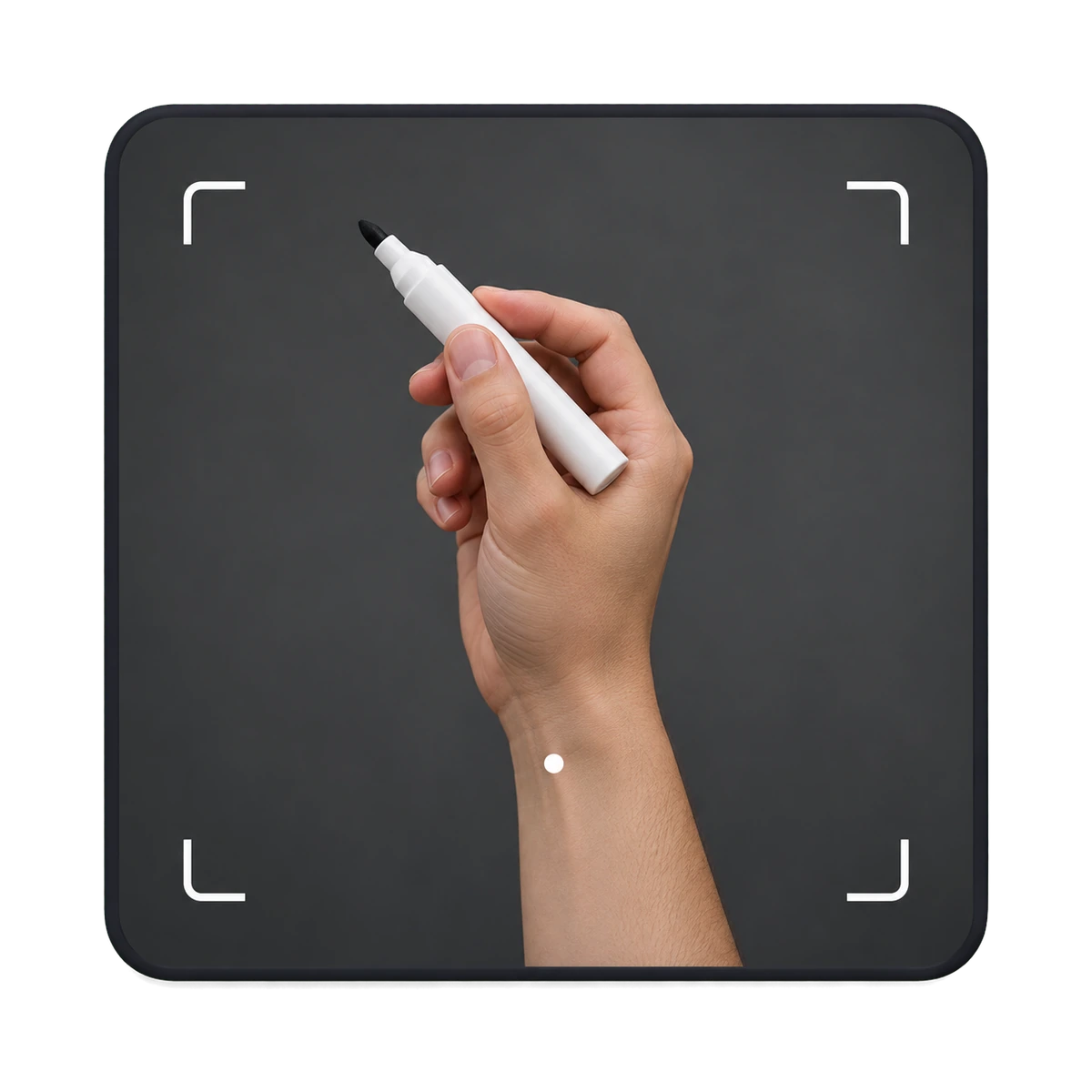
Say “camera” and give it a command, or ask it a question. It answers out loud.

Ask what is in front of it and its on-device vision tells you.
Voice and on-device AI
A wake word, speech recognition, a language model and a voice, all running on the device. Ask it to record, give it a command, or just talk to it. No account. No cloud. No internet required.

Start with a preset voice and personality, then make HL-1 sound more like your choice. Explore the voice styles and accents available on the device, switch between presets, and adjust how it speaks and responds in the local settings. You can also edit the open code or install additional voices, personalities and skills locally. Your choices stay on your hardware.
Recording
Voice-triggered recording to on-board storage, with the space left read back to you. When you are done, pull the files to any device over WiFi over your own network, or save recordings to USB or NVMe.
Ask how much room is left and HL-1 tells you. Recordings stay on the robot until you choose to move or delete them. Pull files to a phone or computer over your own WiFi, or save them to USB or NVMe.
Compute and setup
HL-1 is designed around an NVIDIA Jetson module: GPU-class compute that keeps vision, voice and language running at the same time, on the device. A Jetson is included with Dev Kit+ and Complete. With Dev Kit, you can bring your own computer; other platforms require adaptations.
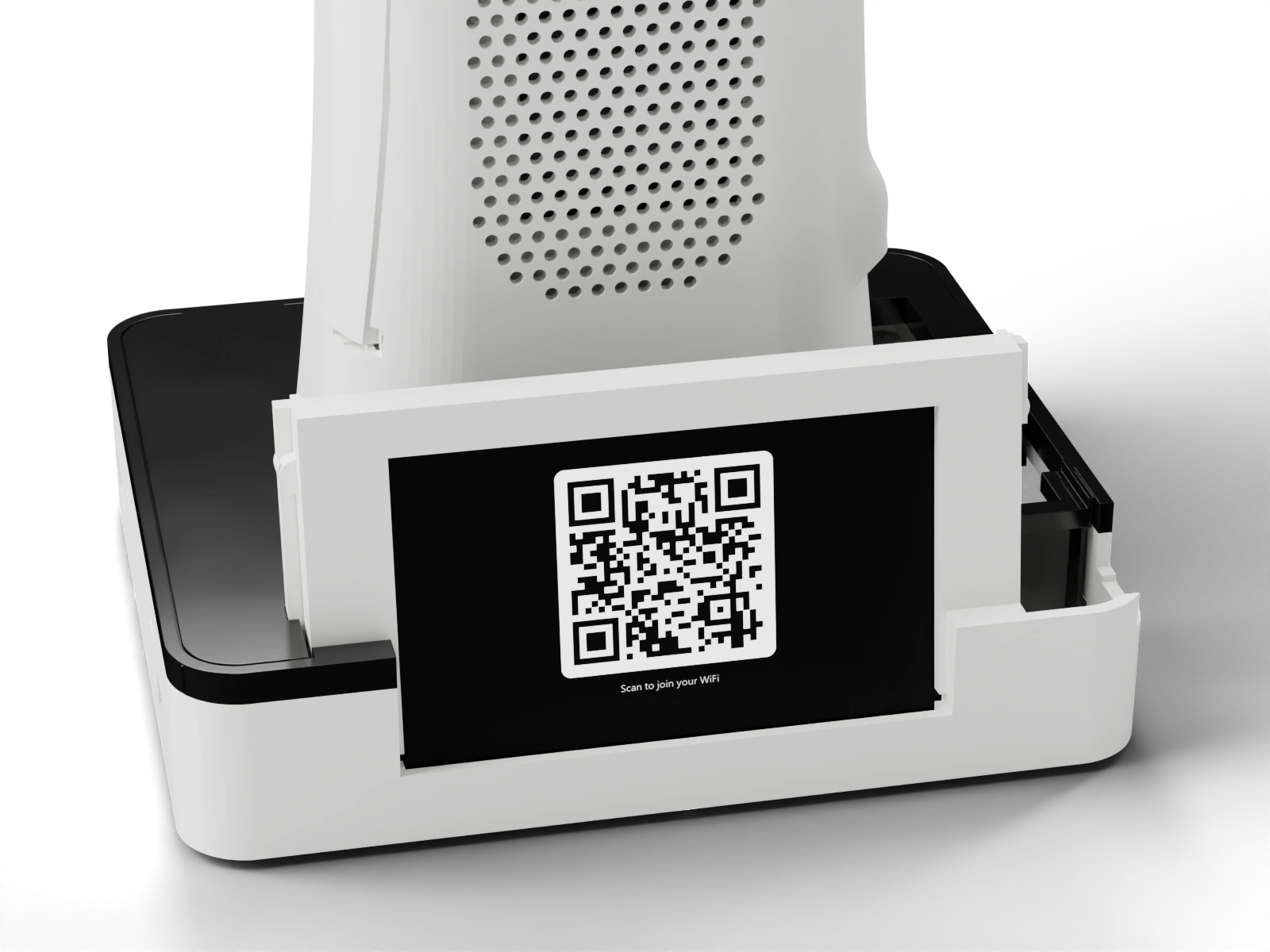
Open to builders
The included preflashed card carries the stack for Jetson-based builds, and the same image is free to download for a reflash or an update. The code is plain Python, open and editable. Add your own commands in an apps folder; updates never touch your files.
1from wafidyne import HL1
2
3cam = HL1()
4cam.follow("hand")
5cam.say("Rolling.")
6cam.record()
Follow, look, say, record, listen. The whole robot is a handful of calls, and the code behind them is on GitHub for you to change. An AGENTS.md ships with it, so an AI coding agent can build against it from one prompt.
Made to be built
Assemble the enclosure, mount the components and secure them with screws where needed. The Dev Kit and Dev Kit+ let you put the hardware together yourself, with no soldering required.
One cable to the wall. That is the only wire on the desk.
No login, app or account. The touchscreen comes up ready.
Scan the on-screen code with your phone, choose WiFi on the touchscreen, or use wired networking. Say "record" to save locally. Check the remaining space, then transfer recordings over your own WiFi or save them to USB or NVMe. Nothing is deleted unless you choose to delete it.
Choose how much of the build you want to do and whether to bring your own computer.
Bring your own computer. Build it yourself.
Bring your own Jetson Orin Nano or another computer, such as a Raspberry Pi. The mounts, software and AI models are designed for the Jetson; other computers require hardware and software adaptations.
Compute included. Build it yourself.
Everything in the HL-1 Dev Kit, plus the Jetson Orin Nano. Updated and boot-tested, in its own box. The full build, from the first part.
Assembled, calibrated and tested.
The finished robot, ready on your desk the day it arrives. The same open code, without the assembly.
What is in it and what it does, as designed. Software items are in development and ship as updates.
Read the coverage, exclusions and claim process for the configuration you choose.
Read the warrantyAll HL-1 configurations. Buyer pays return postage and a 10% restocking fee; Complete returns need insurance and signature. Defects have separate coverage.
Return policyQuestions before or after you buy go to the people who build the hardware. Wafidyne is a brand of Wafi Intelligence LLC.
Get supportAbout HL-1 specifically. Orders, returns and warranty live on the support page.
No. Tracking, conversation, vision, voice and recording run on the robot. WiFi is used for setup, moving recordings and updates you choose to install. Optional web lookups for chat are off by default.